
Get Started
Getting started at WMPC is free. Create an account, join open play, take a clinic, book a private lesson, or reserve a court — then come play.
Step 1
Download CourtReserve
We manage memberships, court reservations, and event registration through the CourtReserve app. Grab it for your phone to get going.
Step 2
Create an account
- Click Get Started.
- Enter your email and click Continue.
- Enter a password and confirm it. Store this password somewhere safe.
- Search for “White Mountain” and select the club from the results.
- Enter your contact information and click Continue.
- Choose your membership. Pick Non-Member to start if you aren’t sure.
- Review your membership details, then click Review & Finalize.
- Click Yes in the Confirm Membership box.
- Check the checkbox and sign in the designated gray box.
- After you’ve signed, click Save & Continue.
Step 3
Register for events
- Tap the Calendar icon on the home screen.
- Select an event you’d like to attend.
- Click the Register button.
- Create a payment profile (a payment method is required).
- Show up and play pickleball!
Not sure which membership fits? Compare memberships or get in touch — we’re happy to help.
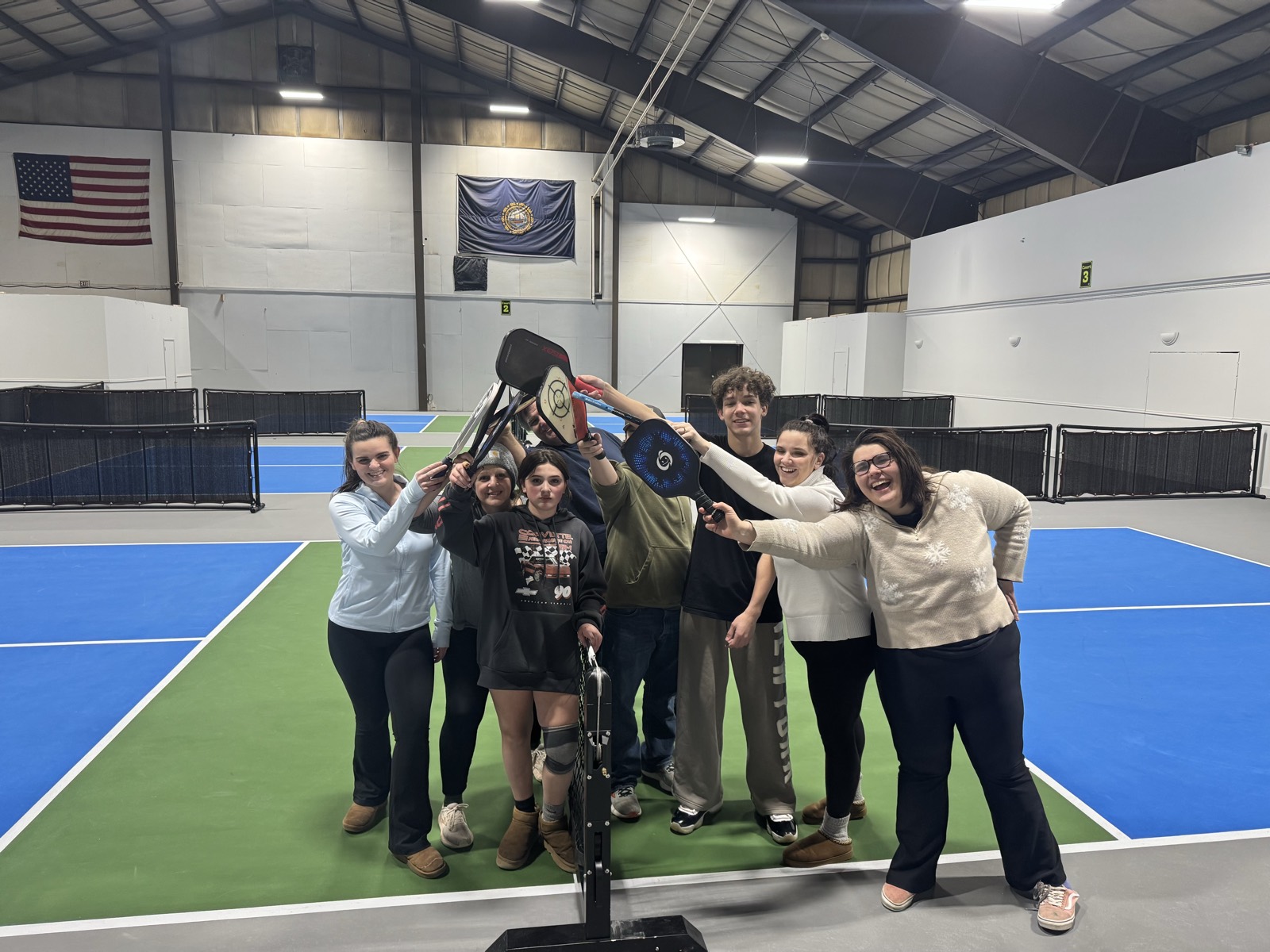
See you on the court
Everyone starts somewhere
No paddle? No problem — equipment is provided and no experience is needed. Set up your free account and drop into open play any day.